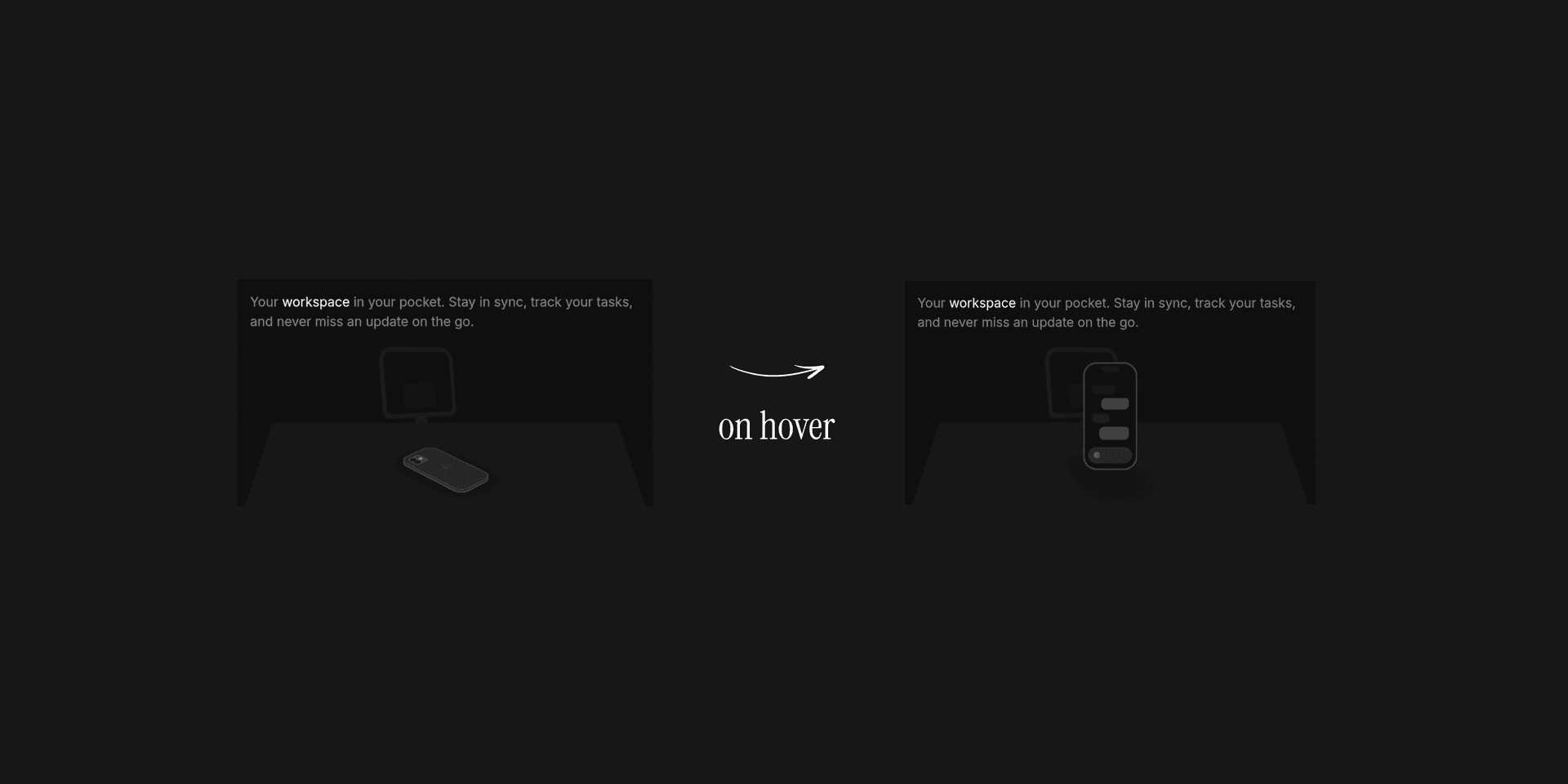
In this post, we'll build a 3D mobile phone completely from scratch — just layered divs, CSS transforms, and Framer Motion spring physics. Each section adds one new concept, and you can hover the live previews to see what the code produces at every stage.
Setting Up the 3D Scene
By default, the browser treats everything as flat. Rotate a div and it just squashes sideways — there's no depth. To fix that, we need two things on the parent container:
perspective: 1200px— This creates a virtual camera 1200px away from the element. It's what gives objects that natural "closer = bigger" foreshortening effect.transform-style: preserve-3d— Without this, the browser flattens all children back to 2D, even if the parent has perspective. This tells it: keep my children in 3D space.
With those two properties, even a simple rectangle starts to feel like a real object:
Giving It Thickness
Right now our phone is paper-thin. HTML doesn't have a depth property, so we have to fake it — by stacking several identical divs on top of each other and nudging each one slightly backward along the Z-axis.
Think of it like layering sheets of cardboard. Each layer is just 1px deeper than the last. When the 3D rotation kicks in, the browser renders all those tiny edges, and your eye reads them as a solid slab.
Notice how the color shifts from neutral-700 to neutral-800 as the layers go deeper — this subtle gradient sells the illusion of a beveled edge catching light differently:
Making It Flip on Hover
Now for the fun part. Before we start decorating the screen, let's wire up the interaction that brings this whole thing to life.
The idea is dead simple: track whether the user's mouse is over the container, then swap between two sets of 3D coordinates. When unhovered, the phone sits tilted face-down on the "table." On hover, it springs upright and faces the camera.
The key detail here is the rotateY: 180 in the resting state — that's what makes the phone face away from you by default. On hover, everything resets to 0, flipping it toward you:
The bounce: 0.3 is what makes it feel physical — the phone slightly overshoots its target rotation and settles back, like something with actual mass. Without it, the motion feels robotic.
Building the Screen UI
We've got a solid block that flips. Time to make it actually look like a phone.
The front screen is a new div placed at translateZ(1px) — sitting just above the thickness layers. We add backface-visibility: hidden so it disappears when the phone flips around (otherwise you'd see the UI rendered backwards through the back).
Inside, it's all standard layout work — a notch at the top, some chat-bubble-shaped rectangles to mimic a messaging app, and a rounded input bar at the bottom:
Adding the Back Panel & Camera
If you hover the preview above and flip the phone, you'll notice the back is hollow. Let's fix that.
We place one more div at the very bottom of our Z-stack (translateZ(-6px)) and rotate it 180deg on the Y-axis so it faces backward. This gives us a solid rear surface.
But a flat back looks boring. Real phones have camera bumps — so we build one. A small rounded container holds two circular "lenses" made from nested divs with dark backgrounds and subtle inner shadows. A tiny bright circle acts as the LED flash, and a near-invisible dot simulates a LiDAR sensor. It's all just circles and borders, but at this scale the details really sell it:
Putting It All Together
That's the whole phone — assembled one layer at a time. In the final version, a few finishing touches bring it to life:
- Dark environment — a dimmed background makes the glowing screen pop against the darkness.
- Floor shadow — a blurred
divunderneath the phone shrinks and fades as the phone lifts on hover, mimicking how real shadows behave when an object moves away from a surface. - Scale on hover — the phone grows slightly when you interact with it, drawing your eye in.
Here's the final result in action:
Curious about what's happening under the hood — the GPU compositing, matrix interpolation, and how Framer Motion's spring solver actually works?
👉 Read the technical deep-dive